
Secure IT for Healthcare and Medical Practices
Patient care can't wait on technology problems. Innovative manages the security, infrastructure and HIPAA-readiness support that protects patient information and keeps your practice running.
Technology Problems Should Not Interrupt Patient Care
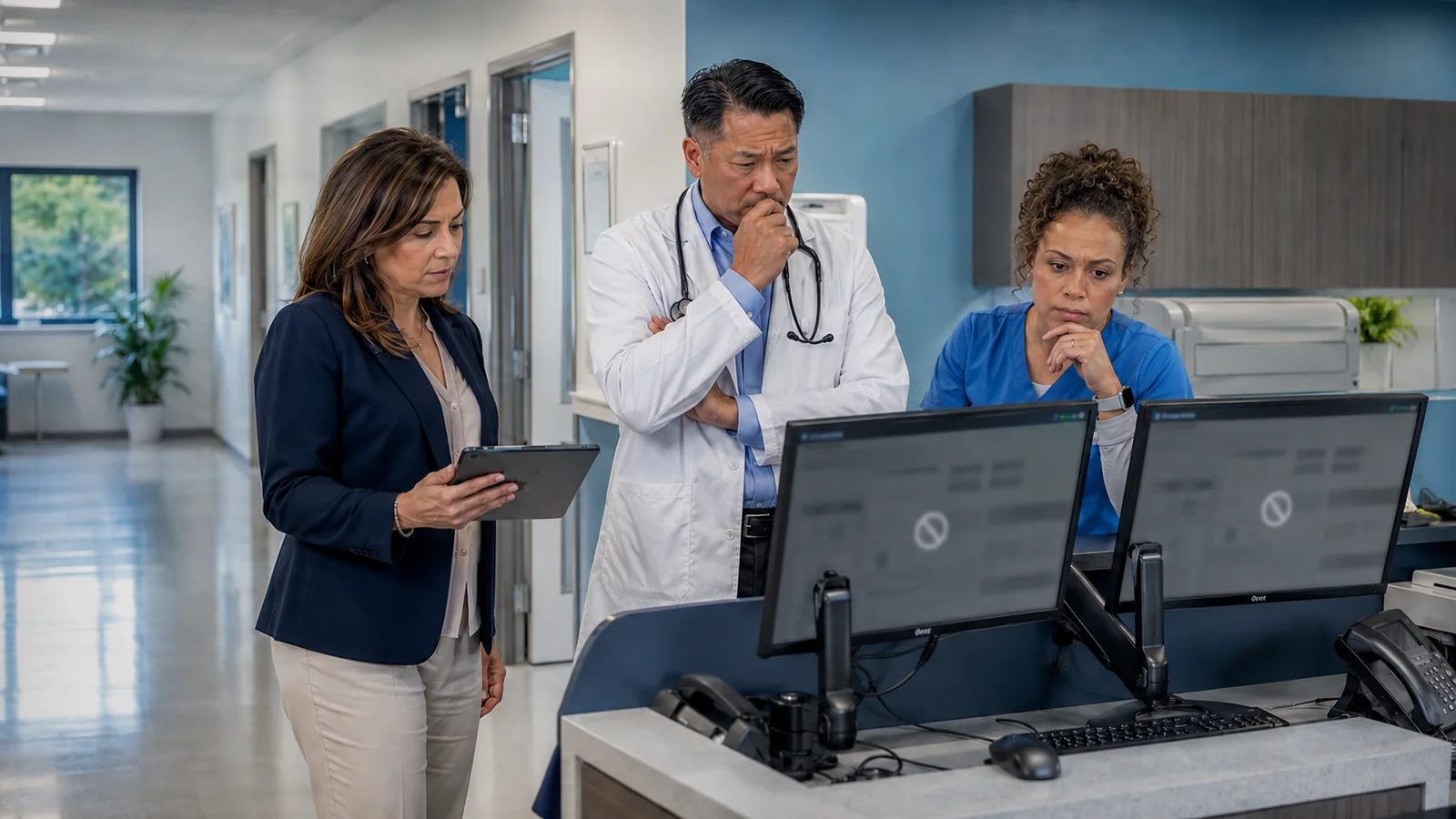
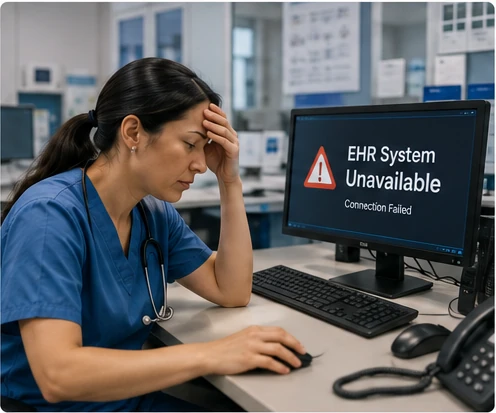
Your practice runs on more technology than most patients ever see — until it fails. A slow EHR, a dropped connection, or a suspicious email can interrupt patient care all at once, right in the middle of a busy day.
- ●Your EHR or practice-management software slows down or becomes unavailable during patient visits
- ●A network or internet outage cuts off scheduling, email, and access to patient records at the same time
- ●No one seems to own the problem — your EHR vendor points to the network, the network provider points to the software
- ●Shared clinical workstations and mobile devices create gaps in access control if not properly secured
- ●Remote or multi-location staff need secure access to patient information without slowing down care
You Should Be Caring for Patients, Not Managing IT Vendors
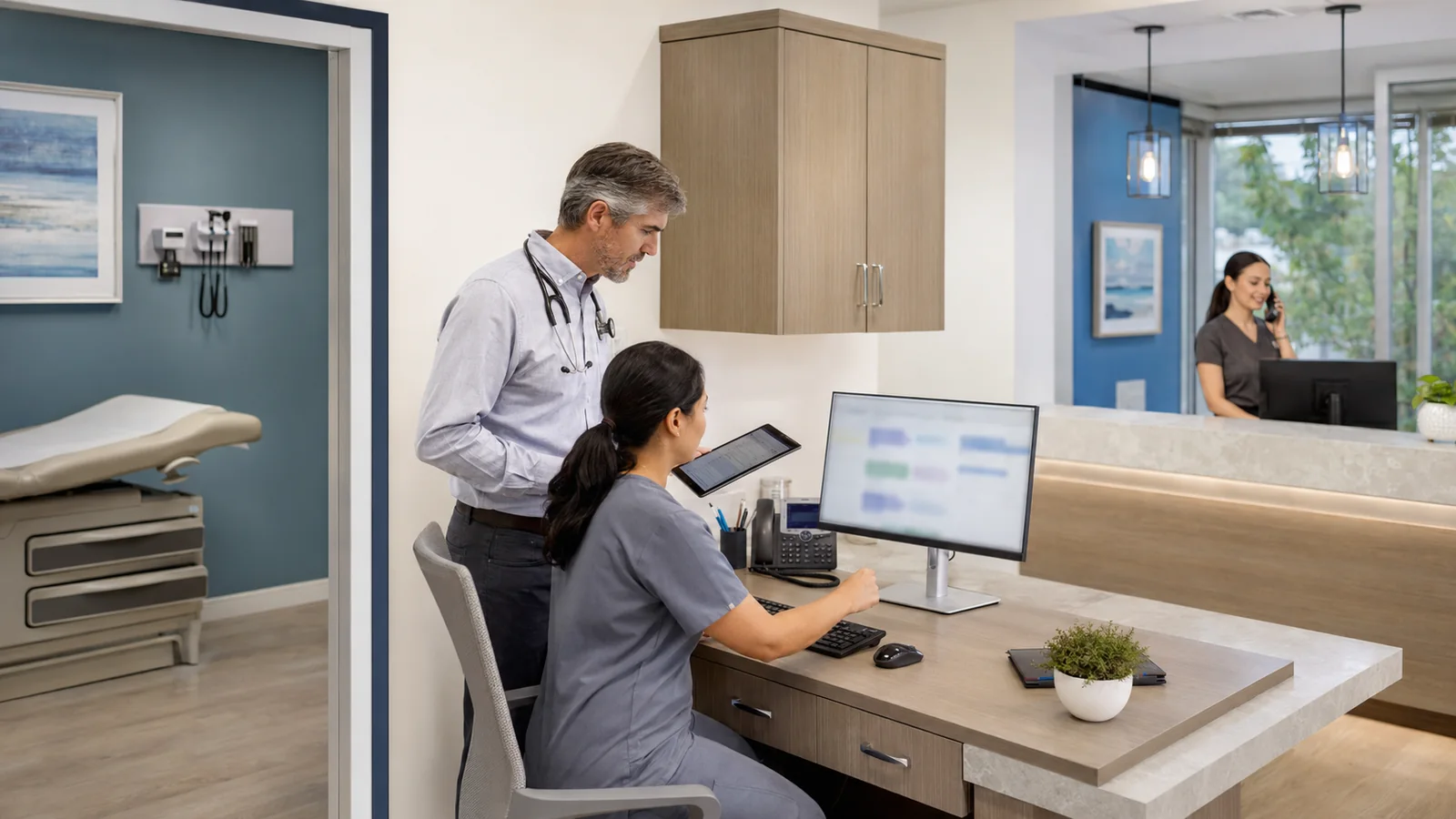
You're focused on patients, staff and running a practice people trust — not troubleshooting a network, chasing your EHR vendor, or figuring out why a system is running slow.
Innovative works with independent and multi-location healthcare practices every day. We understand how patient care depends on connectivity, computers and secure systems working together, and we act as the one accountable partner who keeps them running — coordinating with your EHR and software vendors when specialized support is needed, so you're never left figuring out who owns the problem.
One Practice, Many Connected Systems
Your EHR, scheduling software, email, patient billing, clinical workstations and backups all depend on the same underlying computers, network and connectivity. When Innovative manages that foundation, every system built on top of it runs more reliably.
Everything Your Practice Depends On, Managed Together
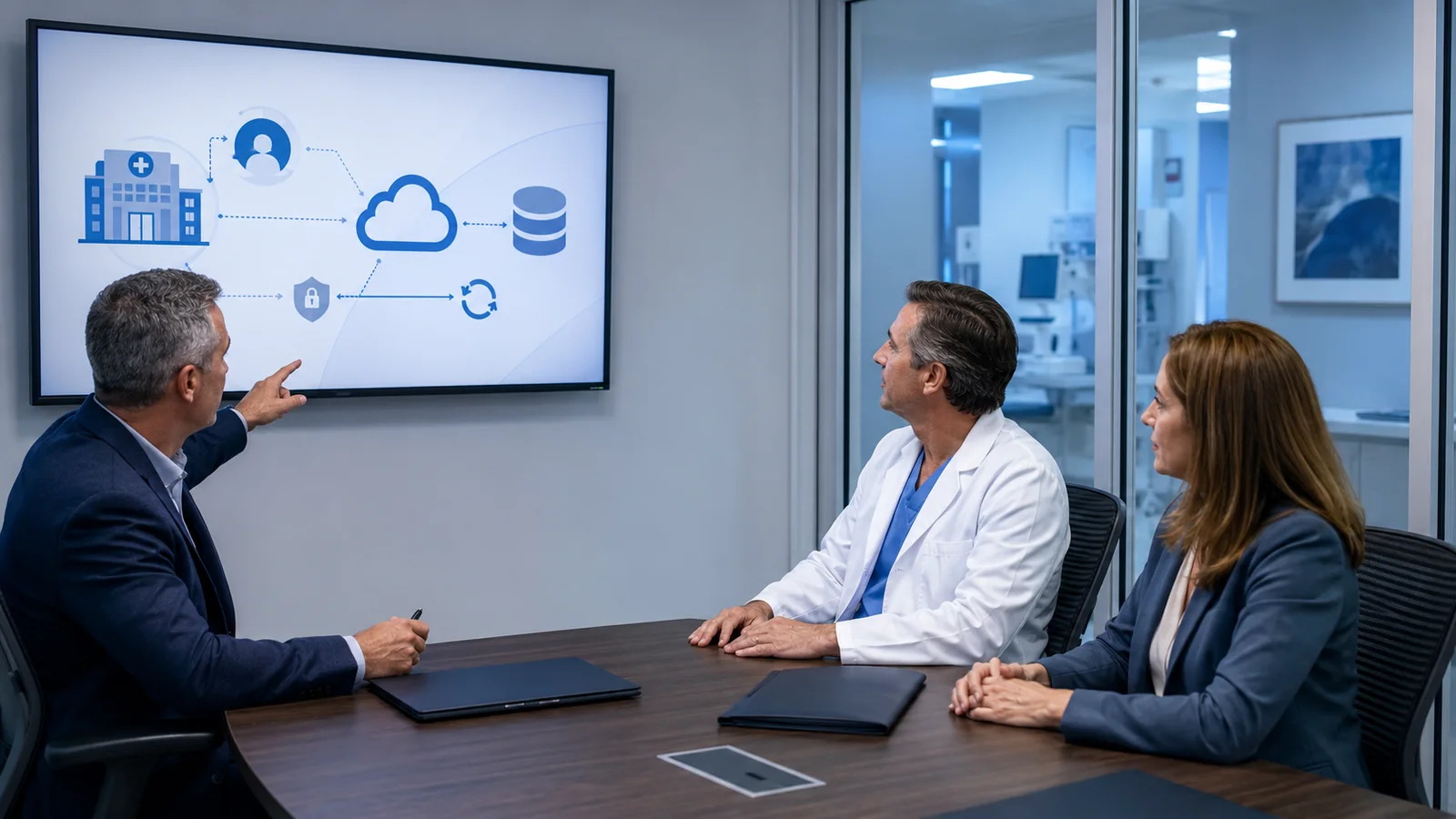
Your EHR is only one part of the technology your practice depends on. Innovative manages the network, computers, security, cloud services, identity, backups and vendor relationships underneath it, giving your staff one accountable technology partner for medical office IT support.
Managed Network & Internet Infrastructure
Keep your internet, Wi-Fi, switching and internal network stable and secure so EHR, scheduling, imaging, billing and clinical systems remain available during patient care.
- Firewall & network security
- Managed switching and Wi-Fi
- Internet and connectivity monitoring
Endpoint Management & Protection
Continuously manage practice workstations and servers with monitoring, patching, software maintenance and security controls designed to reduce downtime and endpoint risk.
- Proactive monitoring
- Patch and software management
- Workstation and server protection
Help Desk & On-Site IT Support
Give physicians, clinicians and administrative staff a dependable support team for day-to-day technology issues, backed by remote management and coordinated onsite assistance when required.
- Responsive help desk
- Remote troubleshooting
- Coordinated onsite support
EHR & Clinical Application Coordination
Innovative manages the technology around your EHR and works with specialized software vendors when an issue crosses between the application, workstation, network, scanner, printer or internet connection. Whether your practice relies on athenahealth, eClinicalWorks, NextGen, Epic, AdvancedMD or another clinical platform, we help manage the network, devices, identity, security and connectivity those applications depend on.
- Vendor troubleshooting coordination
- Connectivity and workstation issues
- Clinical peripherals and integrations
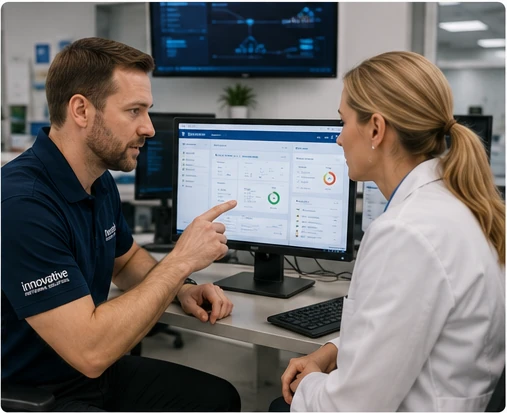
Advanced Endpoint Security & Threat Detection
Use layered endpoint security, EDR and continuous monitoring to identify suspicious activity, ransomware and malicious behavior before a compromised workstation becomes a larger incident, supporting stronger healthcare network security.
- Endpoint detection and response
- Ransomware protection
- Continuous security monitoring
Email Security & Anti-Phishing
Protect inboxes used for referrals, scheduling, billing and patient communication against impersonation, malicious links, spam and account takeover.
- Phishing protection
- Impersonation defense
- Account-compromise reduction
Identity, MFA & Access Security
Protect Microsoft 365, EHR access and business applications with stronger identity controls so staff receive the access they need without leaving unnecessary accounts or privileges behind.
- Multi-factor authentication
- Secure user access
- Joiner/mover/leaver management
Backup, Business Continuity & Recovery
Protect critical systems and business data with managed backup and recovery strategies designed to reduce the operational impact of hardware failure, accidental deletion or a security incident.
- Server and endpoint backup
- Microsoft 365/cloud-data protection
- Recovery planning
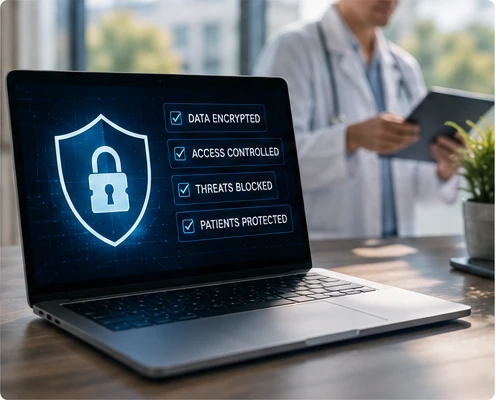
HIPAA Security & Technical Readiness
Review technical safeguards, identify gaps and help maintain the security documentation and technology controls that support your practice's HIPAA-readiness and risk-management efforts. Final compliance responsibility remains with the covered entity and its legal/compliance advisors.
- Security risk reviews
- Technical safeguard documentation
- Remediation planning
Microsoft 365 & Secure Cloud Services
Manage Microsoft 365, Teams, SharePoint, cloud identity and secure access as part of a coordinated technology environment instead of treating cloud systems as isolated applications, supporting Microsoft 365 for healthcare.
- Microsoft 365 administration
- Cloud identity and access
- Secure collaboration
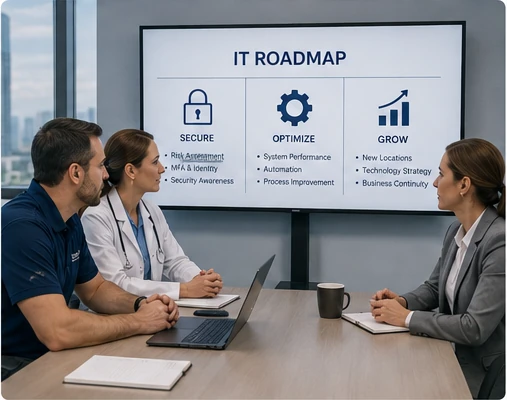
Strategic Technology Planning & Vendor Management
Give practice leadership a technology roadmap covering lifecycle planning, security priorities, budgets and vendor coordination instead of waiting for aging systems to become emergencies.
- Technology roadmaps
- Lifecycle and budget planning
- Vendor coordination
Multi-Location Practice Technology
Standardize connectivity, security, identity and support as the organization adds offices, providers or remote staff, giving every location the same technology baseline and one support relationship, ideal for IT support for multi-location medical practices.
- Standardized networks
- Secure site-to-site connectivity
- Centralized monitoring and support
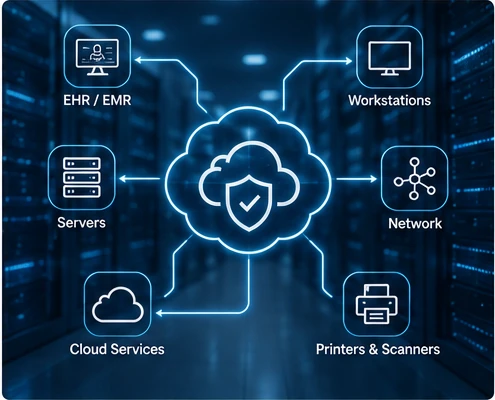
The Technology Around Your EHR Matters Too
One technology partner responsible for the foundation connecting them all.
Enterprise-grade monitoring, endpoint security, managed networking and backup technologies, including Kaseya 365 Endpoint, Datto RMM, Datto EDR, Cisco Meraki and Microsoft 365, work together behind the scenes to support your practice.
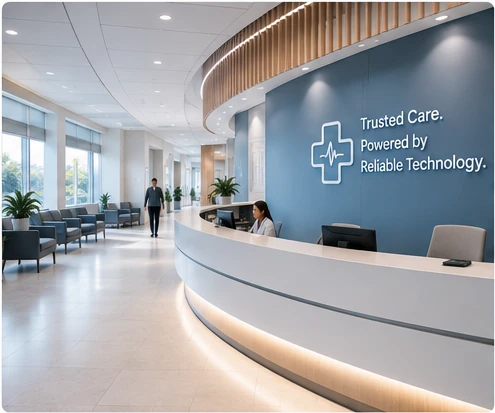
Protecting Every Entrance to Your Practice
You already lock the front door, control who has keys and know who's behind the desk. Your digital entrances deserve the same attention — email, patient records, Wi-Fi and the devices connected to them.
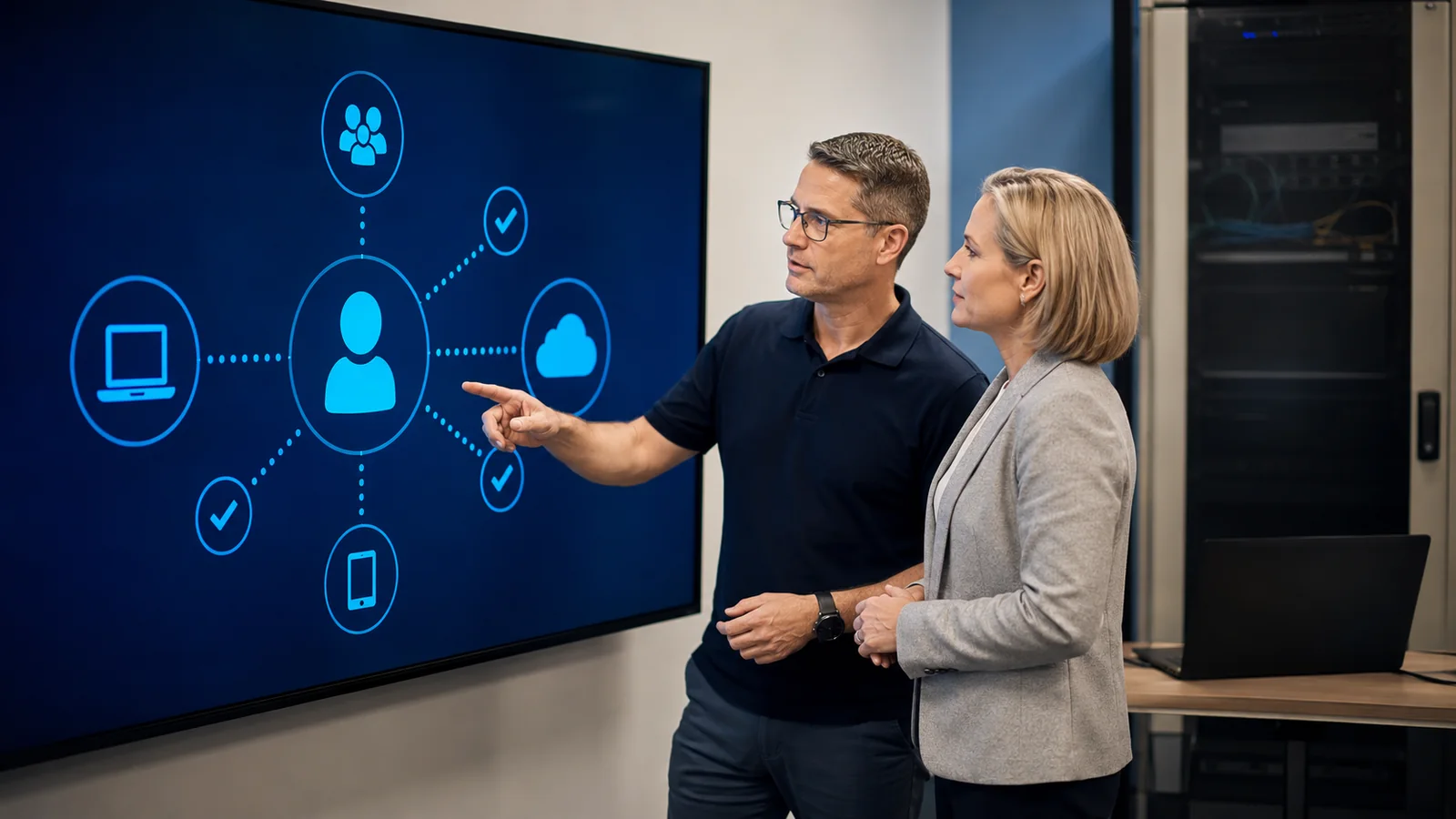

You Wouldn't Leave the Medication Cabinet Unlocked
Every practice manager understands physical security instinctively: lock the doors, watch the cameras, know who has a key. Digital security works the same way — it just protects entrances you can't see.
- A locked medication cabinet is like a firewall — it keeps unwanted visitors out.
- A security camera is like threat monitoring — it watches for problems around the clock.
- A staff badge is like multi-factor authentication — only the right people get access.
- An emergency plan is like backup and recovery — ready if something goes wrong.
A Simple Path to a More Secure Practice
Review Systems, Users and Sensitive Information
We start by reviewing your practice's systems, staff access, and where sensitive patient information lives across your network.
Identify Operational and Security Priorities
We identify the operational and security priorities that matter most, so you know exactly what to address first and what can wait.
Implement and Maintain Appropriate Technology Safeguards
We implement and maintain the technology safeguards that keep your practice's systems and patient information protected over time.
Reliable Technology That Supports Care, Staff and Patient Trust
When your technology just works, you can focus on patients, staff and growing your practice — not troubleshooting.
Fewer Disruptions
Clinical workstations and scheduling systems stay online during the hours your patients depend on you most.
Protected Patient Data
Patient records and practice information are guarded by proactive security practices, not left to chance.
One Accountable Partner
No more bouncing between your EHR vendor, internet provider and equipment supplier — Innovative coordinates on your behalf.
Room to Grow
Whether you run one location or several, your technology foundation scales with you instead of holding you back.
Proven in Regulated Healthcare Environments
We support a 500-user healthcare claims auditing organization operating under CMS regulatory oversight. When the organization underwent a comprehensive MITRE-led security audit covering infrastructure, access control and audit logging, our work delivered a favorable outcome with minimal findings.
"This experience strengthened our structured approach to cybersecurity architecture across all industries."
See more client outcomes →One Location or Many, One Consistent Standard
Running more than one location shouldn't mean juggling different technology setups, security standards or support contacts at every address. Innovative brings consistent network standards, security practices and support to every location you operate.
We provide nationwide remote support with coordinated on-site assistance when required, so every location gets the same level of protection and responsiveness — no matter where it is.
- Consistent security standards across every location
- Nationwide remote support with coordinated on-site assistance when required
- One point of contact instead of separate vendors per location
- Simple onboarding as you open new locations
Common Questions From Practice Managers
Do you support our EHR or practice-management software directly?
We coordinate closely with your EHR and practice-management vendors to keep the network, computers and connections they run on stable and secure. For issues specific to the software itself, we work alongside your vendor's support team rather than replacing it, so you always have the right expert involved.
Can you support multiple practice locations or remote/hybrid staff?
Yes. We provide nationwide remote support with coordinated on-site assistance when needed, so every location and every staff member gets the same level of protection and responsiveness, no matter where they are.
How do you protect sensitive patient information?
We use layered security measures — including multi-factor authentication, endpoint protection, monitoring and secure backups — to help protect patient information across your systems and devices.
Can you help with HIPAA-readiness or cyber-insurance requirements?
Innovative helps healthcare organizations implement and document technology safeguards that support their HIPAA-readiness and risk-management efforts. Final compliance responsibility remains with the covered entity and its appropriate legal or compliance advisors.
How is pricing determined?
Pricing depends on the number of users, devices and locations, along with the specific systems and support your practice needs. We review your environment and provide a clear, itemized recommendation before any work begins.
Ready for Technology That Supports Patient Care?
Schedule a conversation with Innovative and get a clear, practical plan for keeping your technology secure and your practice running.